
How to Refresh Your Workspace in Just Ten Minutes
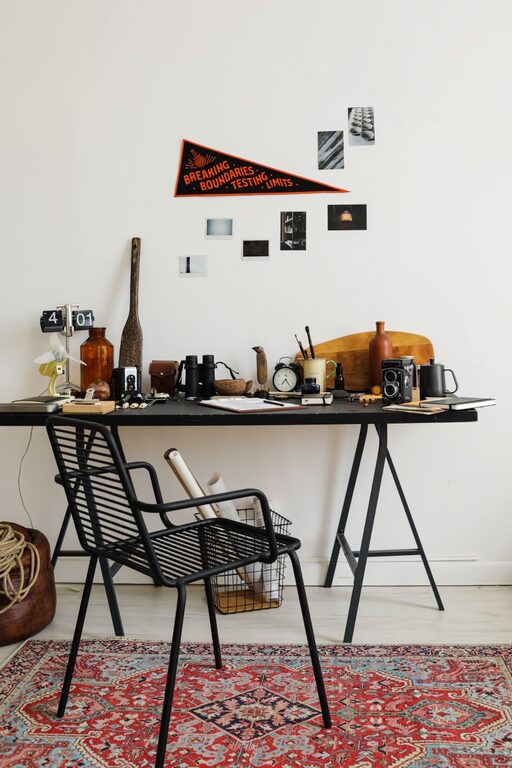
Creating a comfortable, inspiring workspace doesn’t always require a major overhaul. Sometimes, a quick ten-minute refresh can make a huge difference in how you feel and work throughout the day. Whether you’re working from home or at the office, a refreshed workspace can improve your focus, reduce stress, and spark creativity. In this post, we’ll walk you through simple, practical steps to refresh your workspace in just ten minutes.
Why Refresh Your Workspace Regularly?
Spending hours in the same environment can lead to stagnation and decreased motivation. Regularly refreshing your space helps:
– Clear your mind and reduce distractions
– Increase efficiency by keeping essentials organized
– Create a more pleasant and motivating atmosphere
It doesn’t have to be complicated or time-consuming. A quick reset can be surprisingly effective.
Step 1: Clear Your Desk Surface (2–3 Minutes)
Start with a clean slate by removing everything from your desk. This clears clutter and helps you see what you really need in your workspace.
– Remove papers, pens, gadgets, and personal items
– Quickly sort items into “Keep,” “Put Away,” and “Trash” piles
– Wipe your desk surface with a microfiber cloth or cleaner
A clean desk instantly feels more inviting and ready for work.
Step 2: Organize Essential Items (3–4 Minutes)
Once you have a clear surface, arrange the items you use daily within easy reach.
– Place frequently used supplies like pens, notebooks, or your mouse pad near your dominant hand
– Use desk organizers or trays to keep small items neat
– Avoid overcrowding; only keep what you really need regularly on your desk
This setup helps you maintain focus and reduces time spent searching for things.
Step 3: Add a Touch of Nature or Inspiration (1–2 Minutes)
Bringing a natural element or something inspiring into your workspace can boost mood and creativity.
– Place a small plant, such as a succulent, near your monitor
– Add a favorite photo, artwork, or motivational quote
– Use calming scents like a diffuser with essential oils if appropriate
These personal touches make your workspace feel more welcoming and uniquely yours.
Step 4: Improve Lighting and Air Flow (1–2 Minutes)
Good lighting and fresh air can greatly improve your comfort and alertness.
– Open a window or door if possible to let in fresh air
– Adjust your desk lamp or reposition your workspace to maximize natural light
– Reduce screen glare by repositioning your monitor or using an anti-glare screen
If you don’t have access to natural light, a daylight lamp can be a helpful addition.
Bonus Tips for Maintaining a Refreshed Workspace
– Set a weekly 10-minute timer to repeat this refresh routine.
– Use digital tools to minimize paper clutter, like scanning documents.
– Keep a small trash bin or shredder nearby for quick discard of unnecessary papers.
– Limit personal items to a few meaningful pieces to avoid clutter build-up.
Conclusion
Refreshing your workspace in just ten minutes is a simple yet effective way to improve your daily work experience. Taking a few moments to clear clutter, organize essentials, add personal inspiration, and optimize your environment can help you feel more energized and productive. Try incorporating this quick routine regularly to keep your workspace—and your motivation—fresh and ready for success.